
Managed Print Services
Print, made simple.
One partner for every printer and copier you run. We right-size your fleet, automate supplies, lock down every device, and put it all on one predictable bill.
Start with a free online assessment, or have us walk your site. Either way, you get real numbers and a clear plan.
Everything your print fleet needs, handled.
Most offices have more printers than they need, older ones than they think, and no clear idea what it all costs. Managed print fixes that.
- A full picture of every device, its volume, and its cost
- Right-sized Canon, Ricoh, and Brother devices where people actually need them
- Toner that ships automatically before you run out
- Local technicians for service and repairs, so IT can stay on IT
- Secure release, audit trails, and encrypted drives on every device
- Cost-per-page pricing on one bill, across every location

Two ways to get your assessment.
Pick the one that fits. Both are built on real data from your devices, and both end with a clear plan.
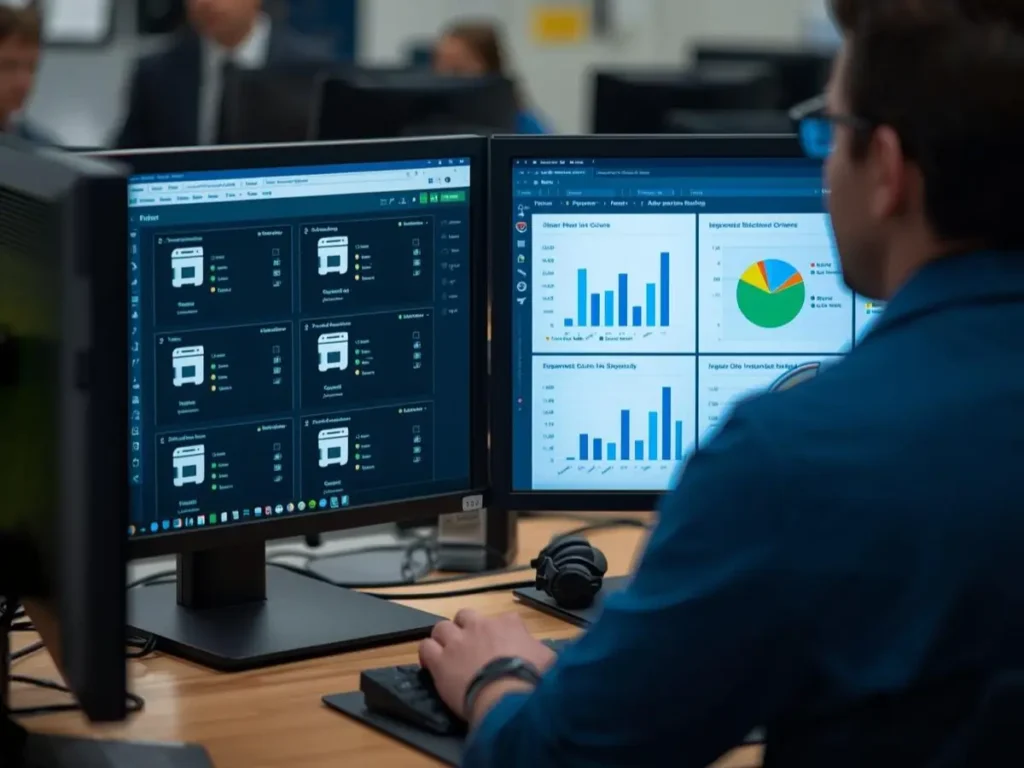
Option 1: Do it yourself, online.
Join our customer portal for free, install our click counter, and get a free fleet assessment built from your actual device data. You will see what you have, how much each device prints, and where money is leaking.
Review it on your own time, then walk through the results with us when you are ready. No site visit, no pressure.
Option 2: A full site walkthrough with Brother.
For larger or multi-site fleets, we team up with the Brother Managed Print Services team. We walk your locations in person, pair what we see with data from our Print Tracker Pro click counter, and compile a detailed report with actionable insights.
You get device age, end-of-life risk, security readiness, utilization, and true cost per page, plus a clear recommendation on what to keep, replace, or retire.
Sample report created by the Brother Managed Print Services team. It is Brother’s intellectual property, shared with permission.

How it works.
01
Assess
We gather real usage data, online or on site, so every decision starts with facts.
02
Recommend
You get a plain plan: what to keep, replace, move, or retire, and what each option costs.
03
Deploy
We install and configure devices, set up secure release, and train your staff.
04
Manage
Supplies ship on their own, local techs handle service, and we review cost and usage with you regularly.
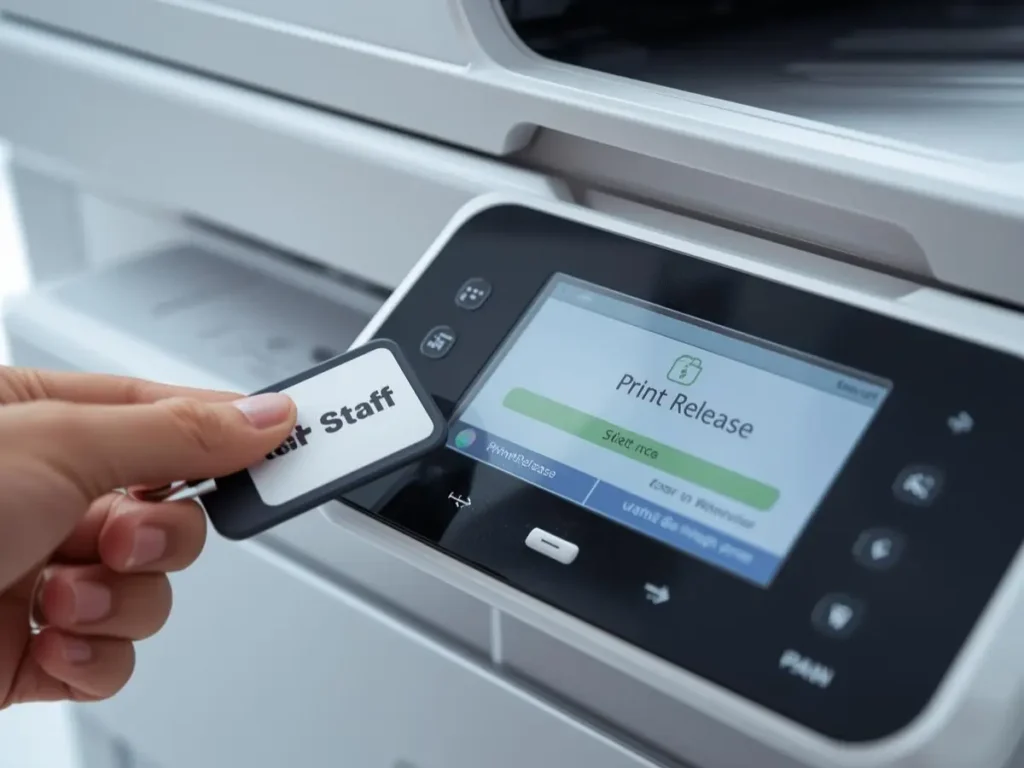
Security that holds up to an audit.
Every printer on your network is a computer. We treat it like one.
- Badge or PIN release, so documents only print when the right person is there
- Audit trails that show who printed, scanned, or copied what, and when
- Encrypted drives, data overwrite, and secure end-of-lease handling
- Rules for color, volume, and scan destinations
TESTIMONIALS
Reviews From Our Local Partners
Excellent customer service and support! We have done business with Scott Technology for many years, and they are consistently great. From the people answering the phones, to the tech support staff (shout out to Tim and Zack!) they are worth every penny. They even have automated solutions to order replacement toner for your copier automatically when it runs low.
I'm truly grateful to have Scott Technology in the North Bay! Jeremy and the gang provide intelligent, empathetic and COHESIVE customer service. They actually pick up the phone when you call and are great at finding solutions to their customers' problems.
Scott Technology are always such a gem to work with from the service department to accounting and those in between to answer any questions that I need assistance with.
Scott Technology Group is a real partner for any business with copier/printer/scanner needs. I am sure there are many place from whom you can rent or service a copier, but Scott is the only place for me! If I call in for service, I have had same day or next day service repair.
Built for the work you do.
See how managed print fits your industry.
Banking & Financial · Healthcare · Education · State of California · Local Government · Federal Government
FAQs
What does managed print include?
Device assessment and right-sizing, automatic toner, service and repairs from our local techs, security setup, and usage reporting, all on a cost-per-page agreement. You decide how much we handle.
What is the difference between the two assessments?
The online assessment is self-serve: join the portal, install our click counter, and see your results. The site walkthrough adds an in-person visit with the Brother Managed Print Services team and a detailed written report. Smaller offices usually start online. Larger or multi-site fleets get more from the walkthrough.
Is the online assessment really free?
Yes. Joining the portal is free, and so is the fleet assessment.
What does the click counter see?
Meter counts, toner levels, and device status. It does not see the content of anything you print, copy, or scan.
Do you work with printers you did not buy from us?
Yes. The assessment covers every networked printer and copier, whatever the brand. From there, we decide together what to keep, replace, or retire.
How will Microsoft's printer driver changes affect us?
Printers that work today keep working, but Windows is shifting to its built-in IPP driver and legacy drivers will get security fixes only from July 2027. We audit your fleet, test Windows Protected Print Mode with IT, and plan any changes ahead of time.
Fewer devices. Lower costs. No surprises.
Start with a free online assessment, or book a call and we will walk through it together.